1
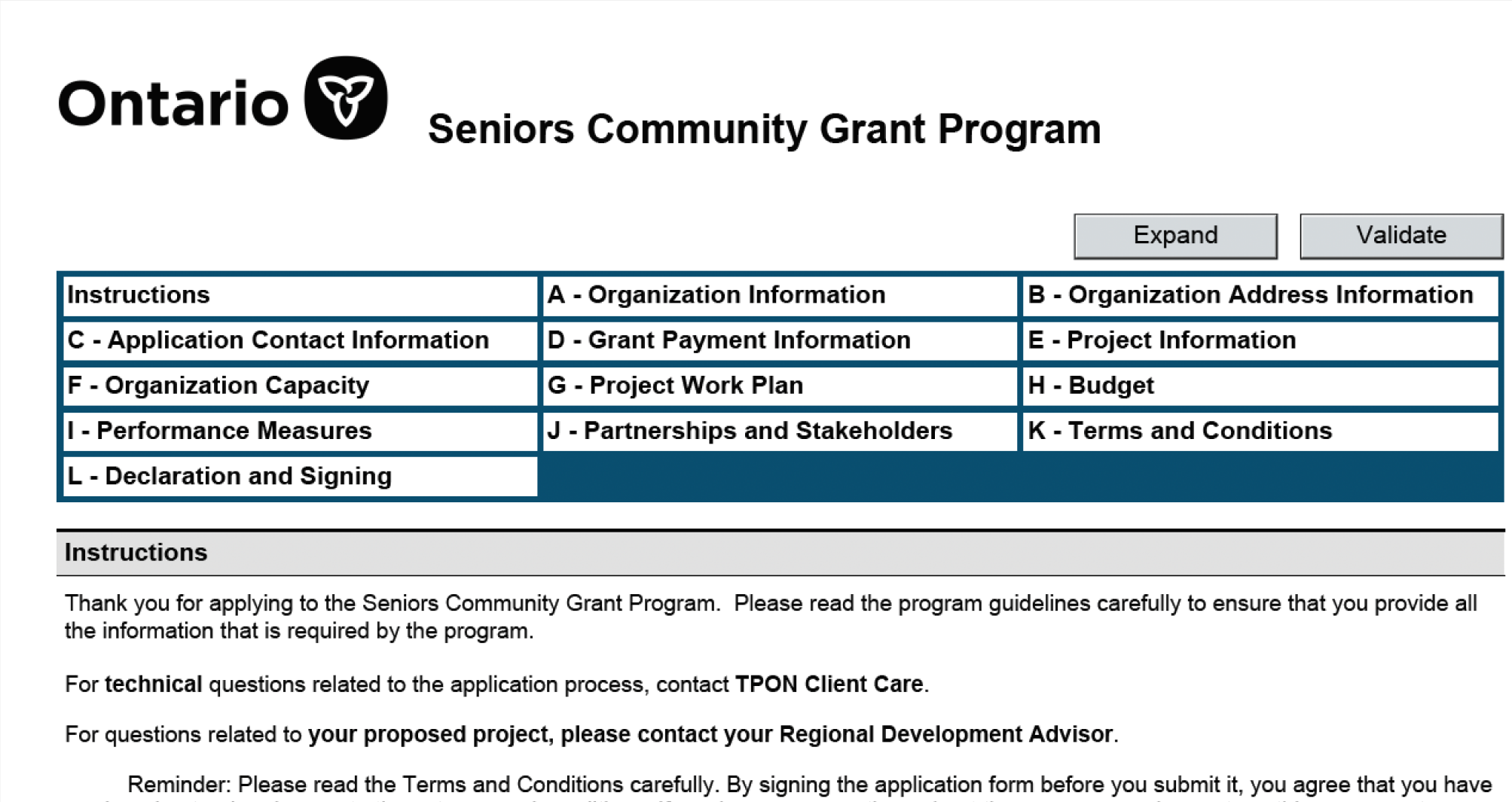
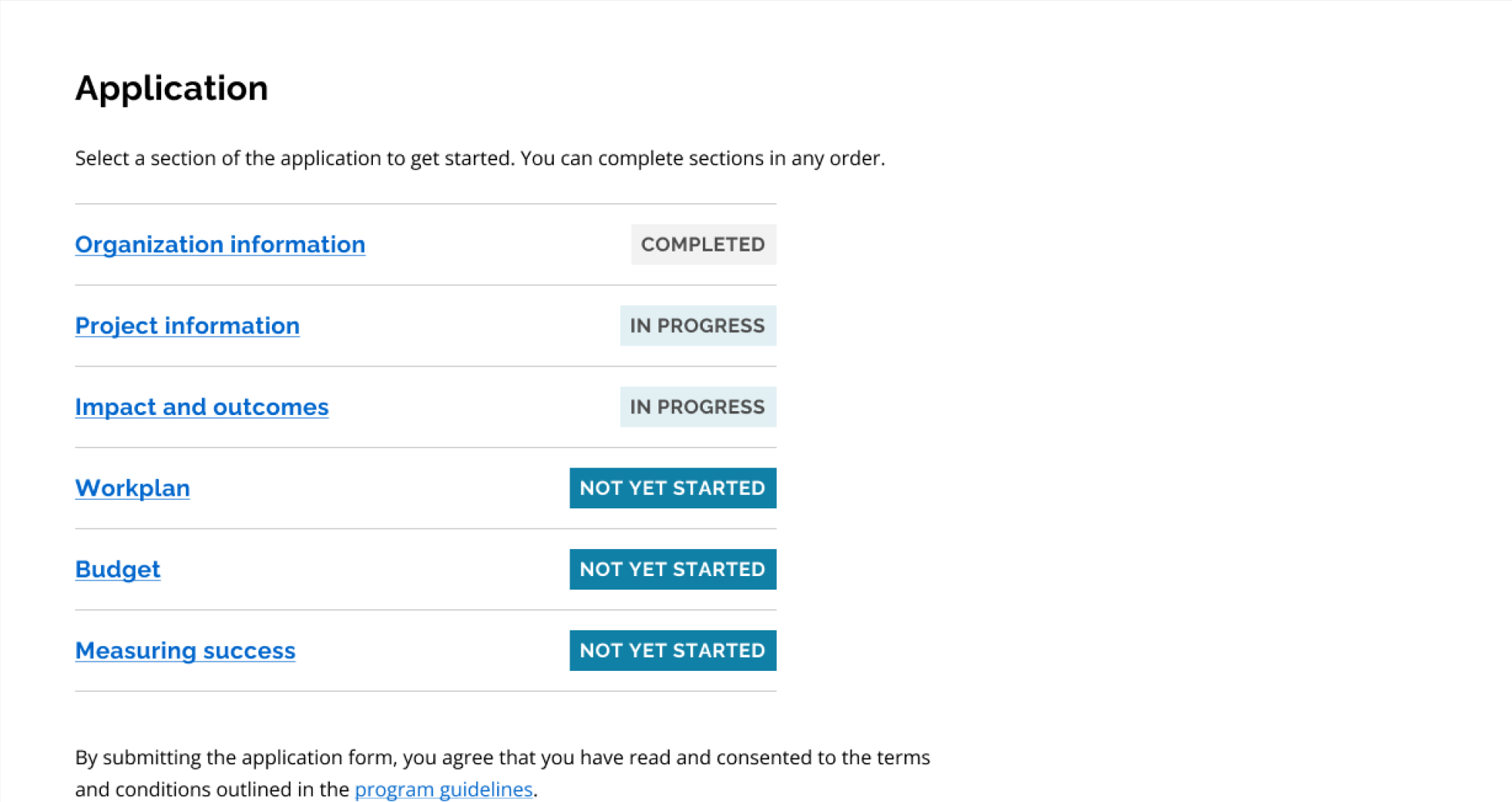
Transition to modern webform
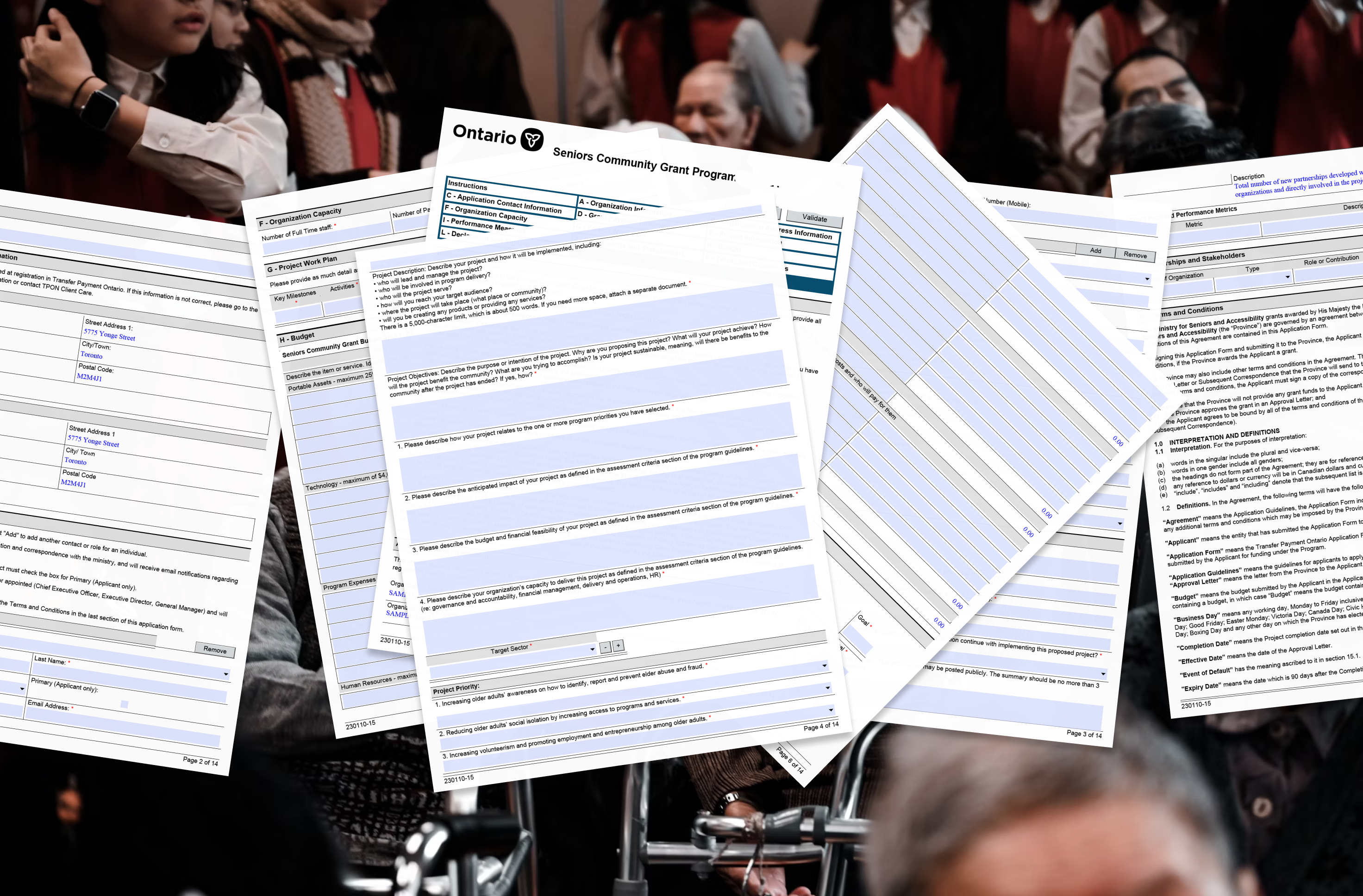
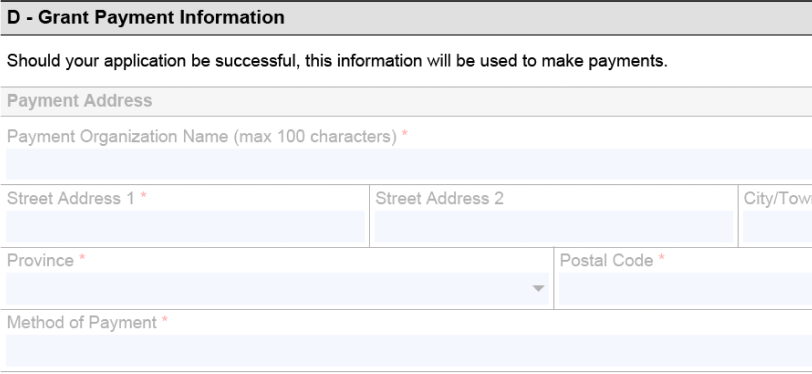
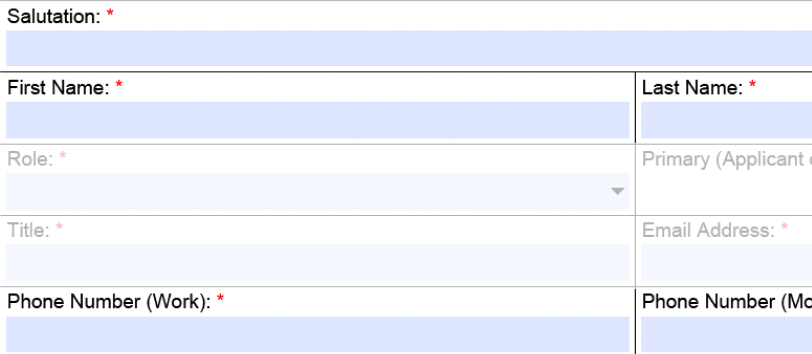
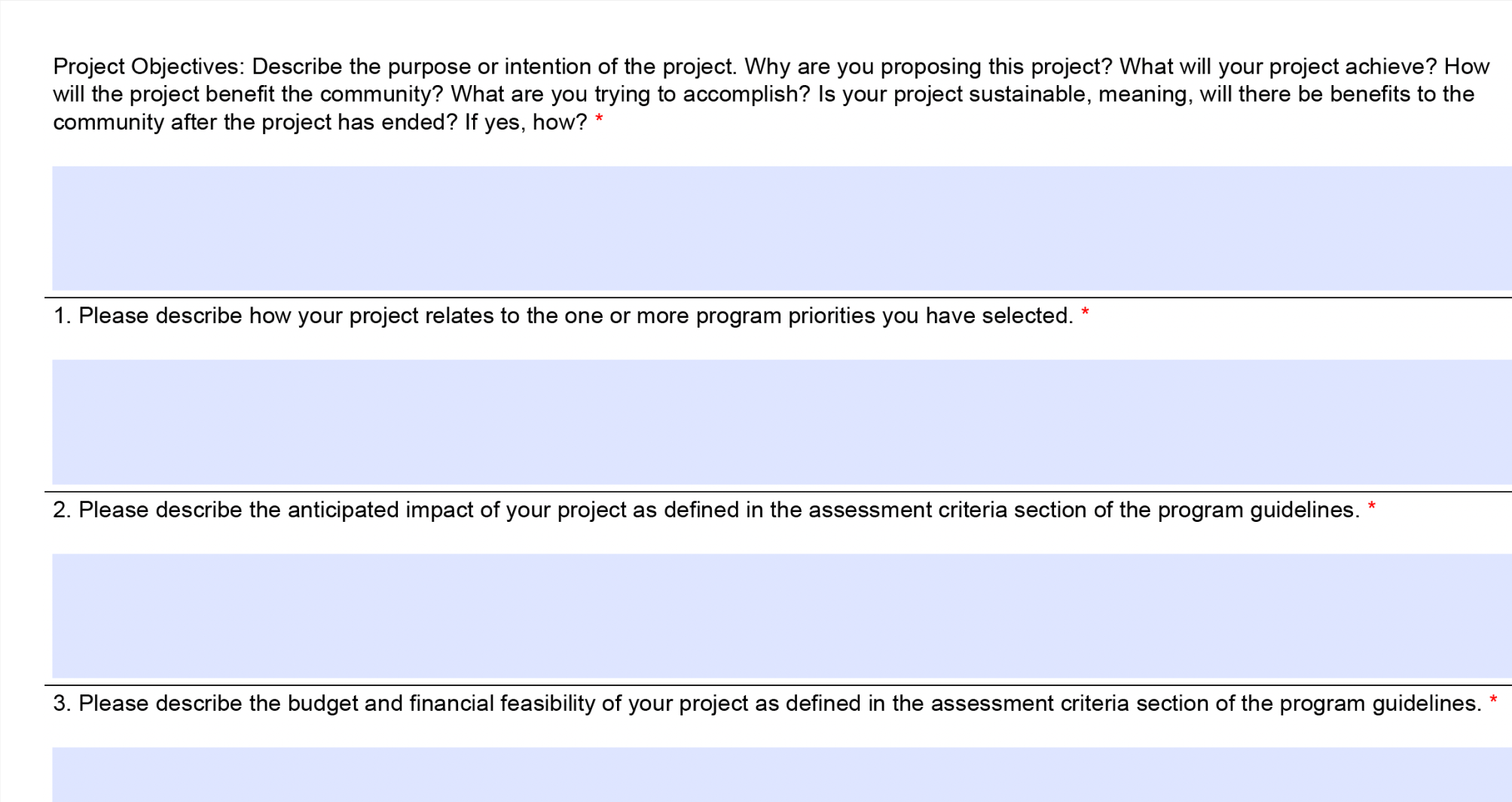
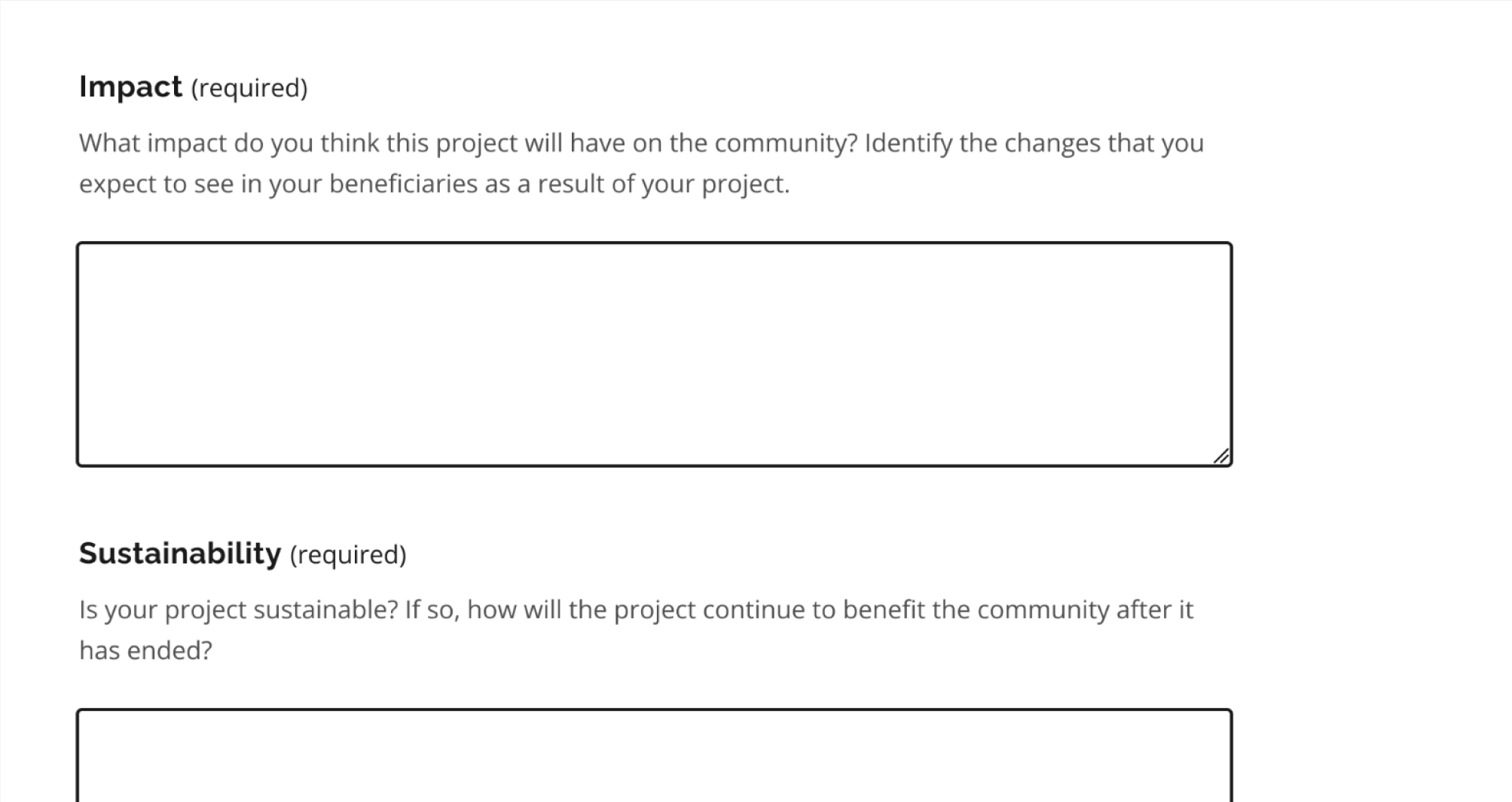
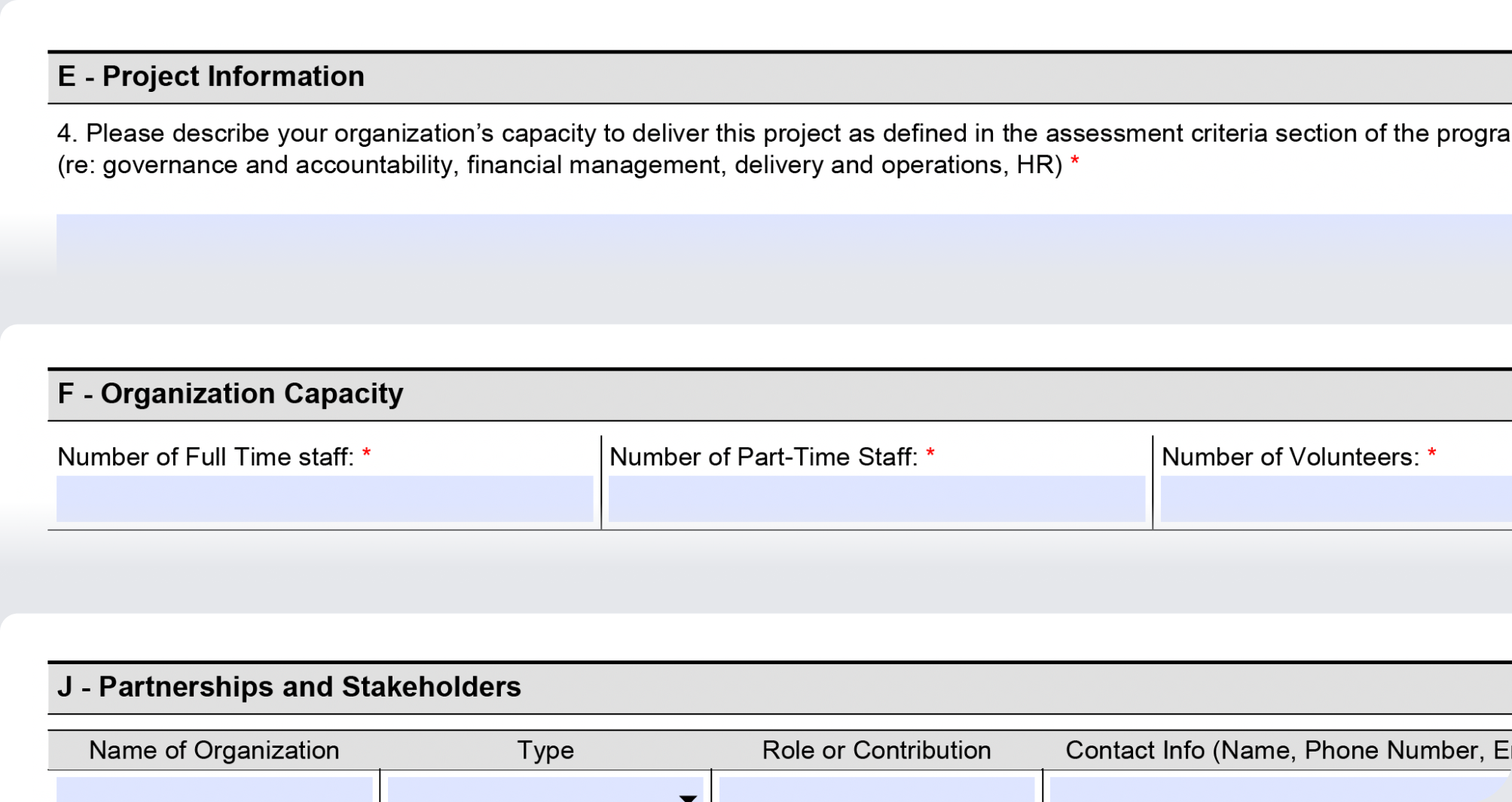
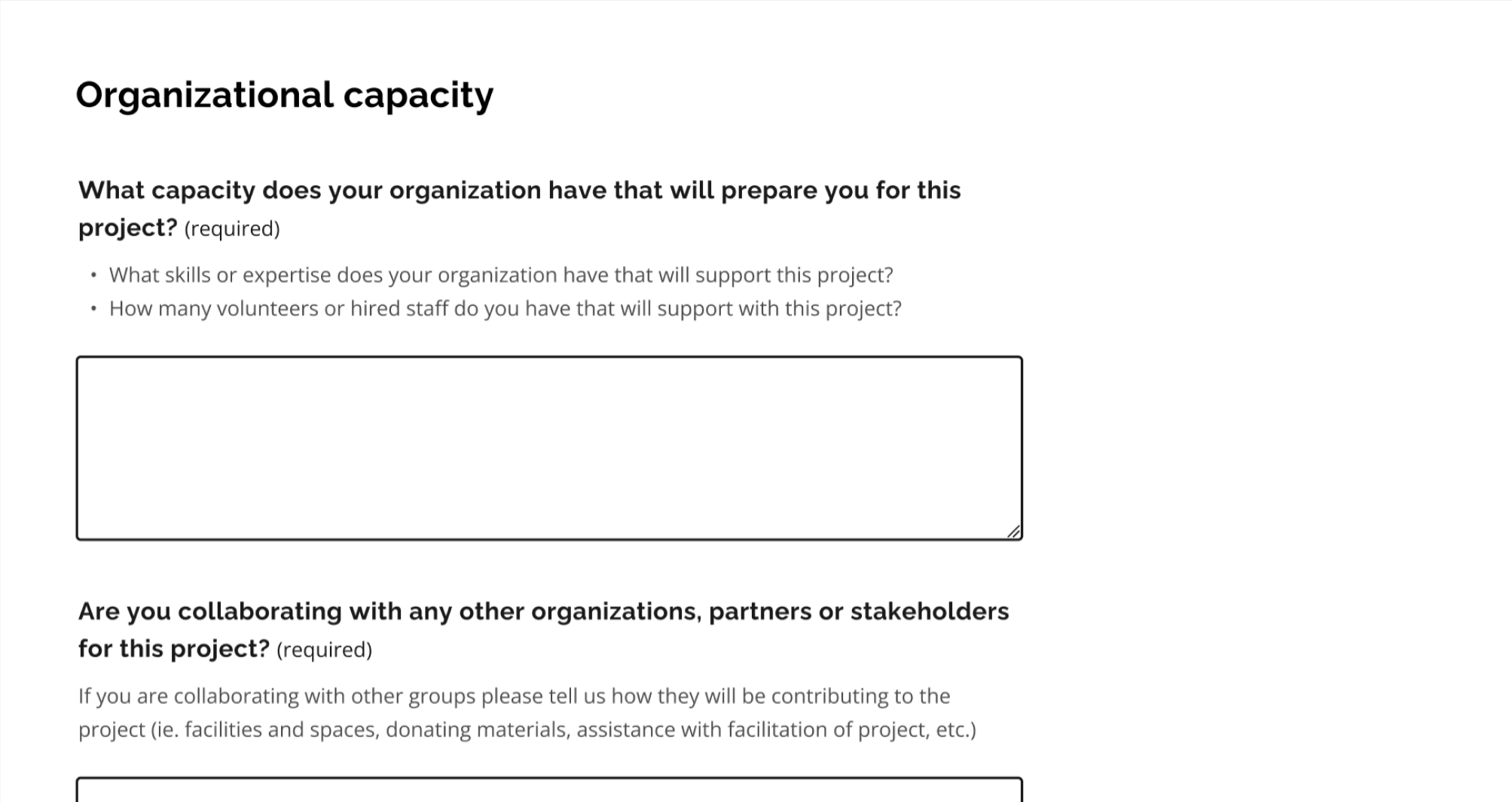
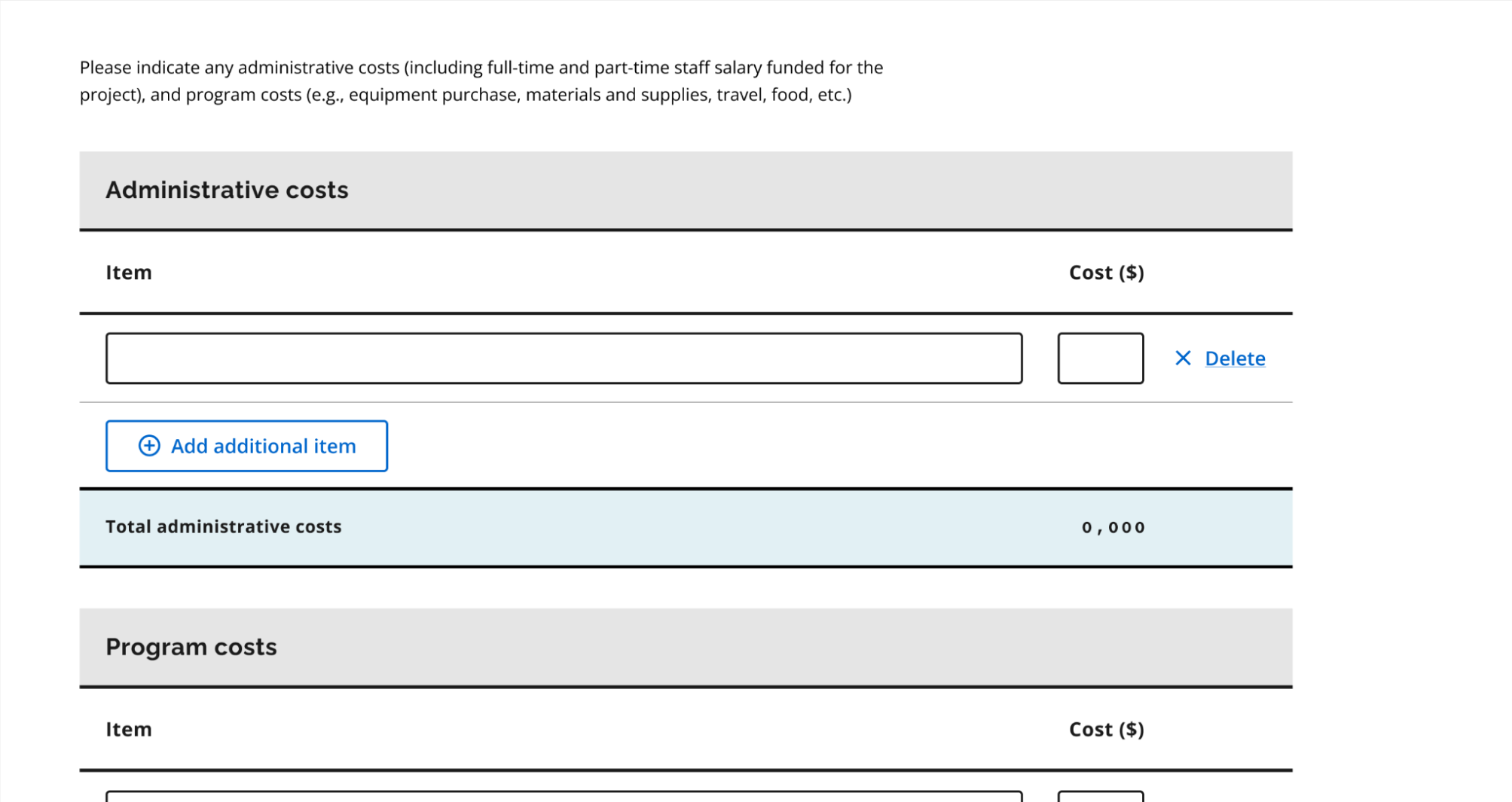
We successfully made the case for moving to a modern webform using the Ontario Design system, although the ministry team anticipated that full implementation could take years.
The webform prototype I created was instrumental to address hesitations and secure buy-in. It highlights the potential for increased accessibility, adaptability to future policy change, and greater ease of maintenance.
2
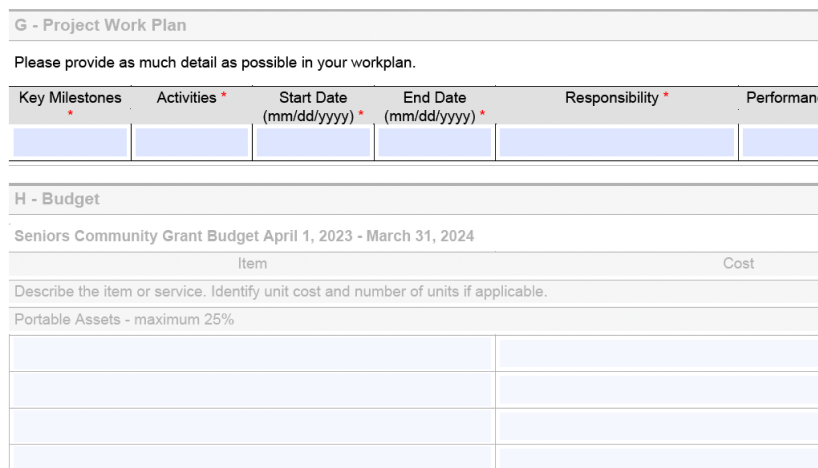
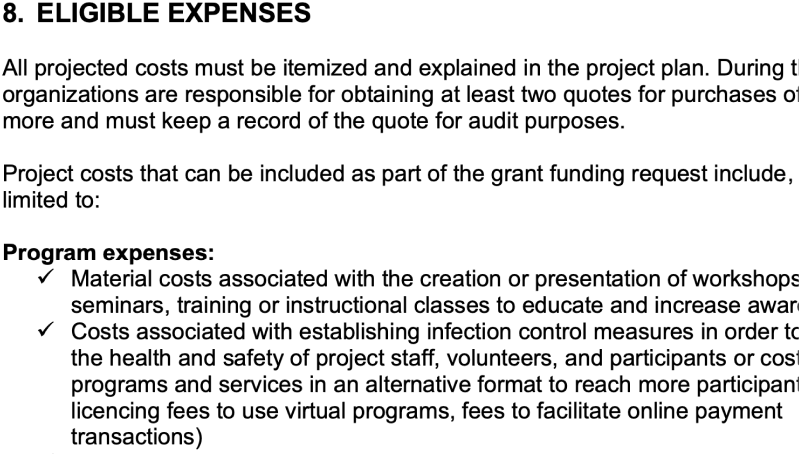
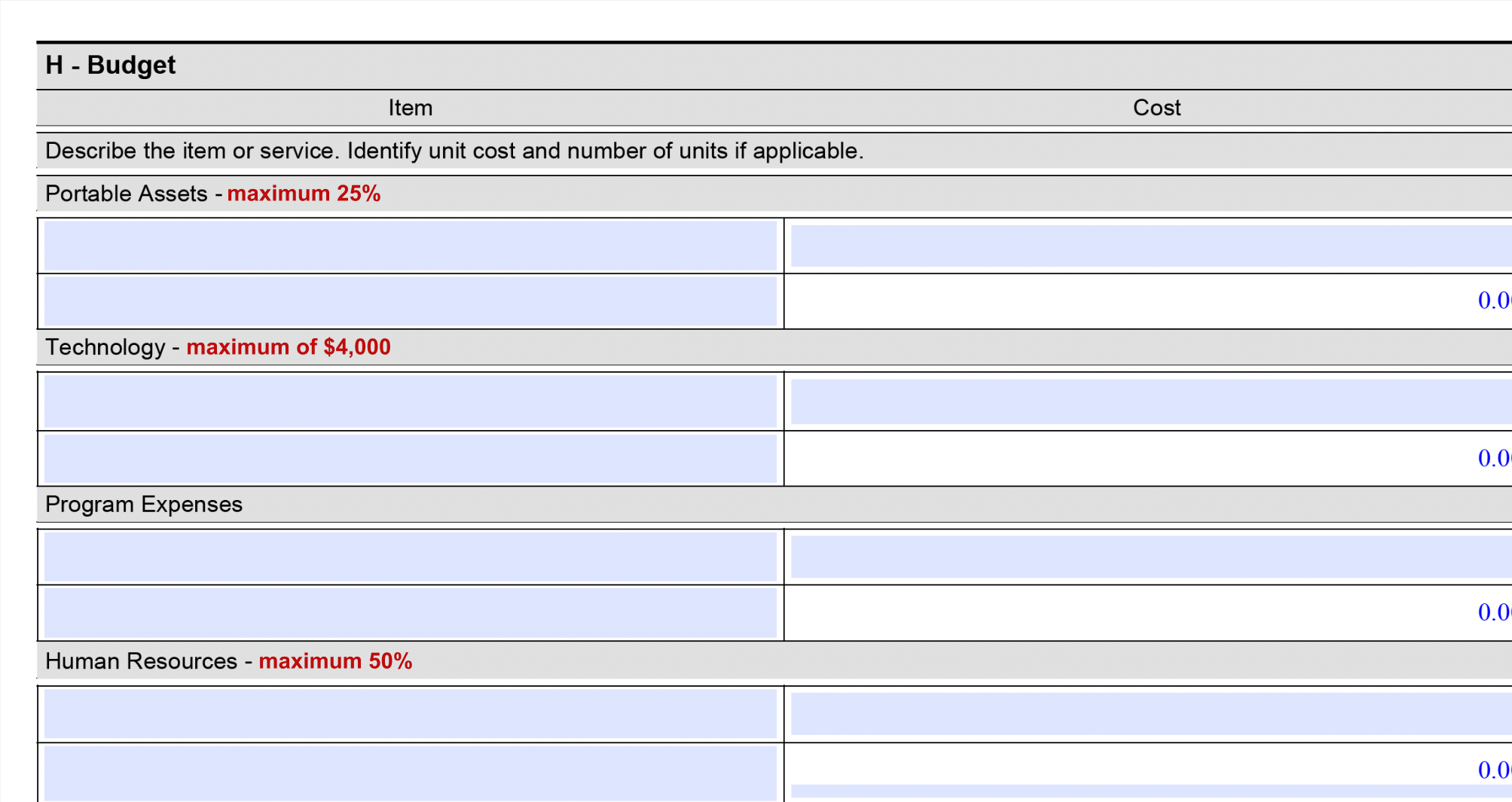
Policy changes to budget
Initially, stakeholders resisted revising the budget categories, insisting that the budget categories had always been structured this way.
When I probed further, I found no substantial reasoning behind the rigid structure.
As a result, we secured policy changes that allowed applicants more flexibility in budget allocation, making the process more inclusive and reflective of the diversity of community initiatives.
3
Revised evaluation process
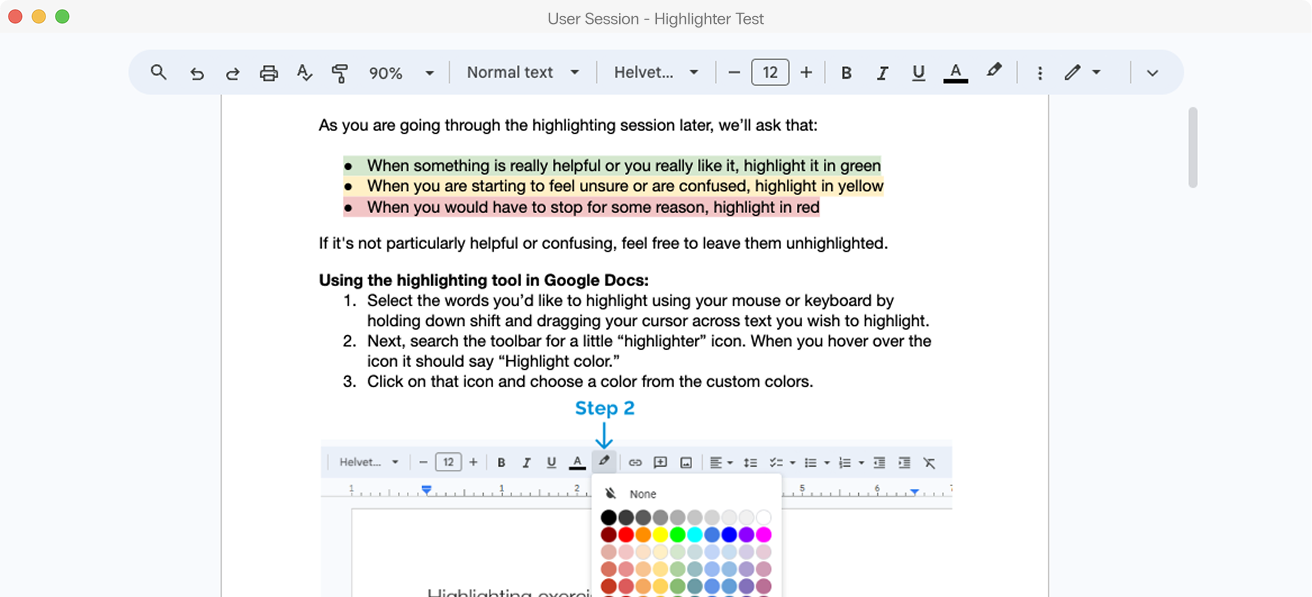
The transformation of the form meant that evaluation processes also needed updates.
This fell outside the direct scope of our collaboration, so we couldn't overhaul the evaluation process itself.
We focused on revising evaluation criteria, laying the groundwork for a clearer, fairer assessment framework. We also gained the evaluation team’s commitment to further internal refinements.